

Users
The Users page lets you manage your team members and control access to your Storedash account.
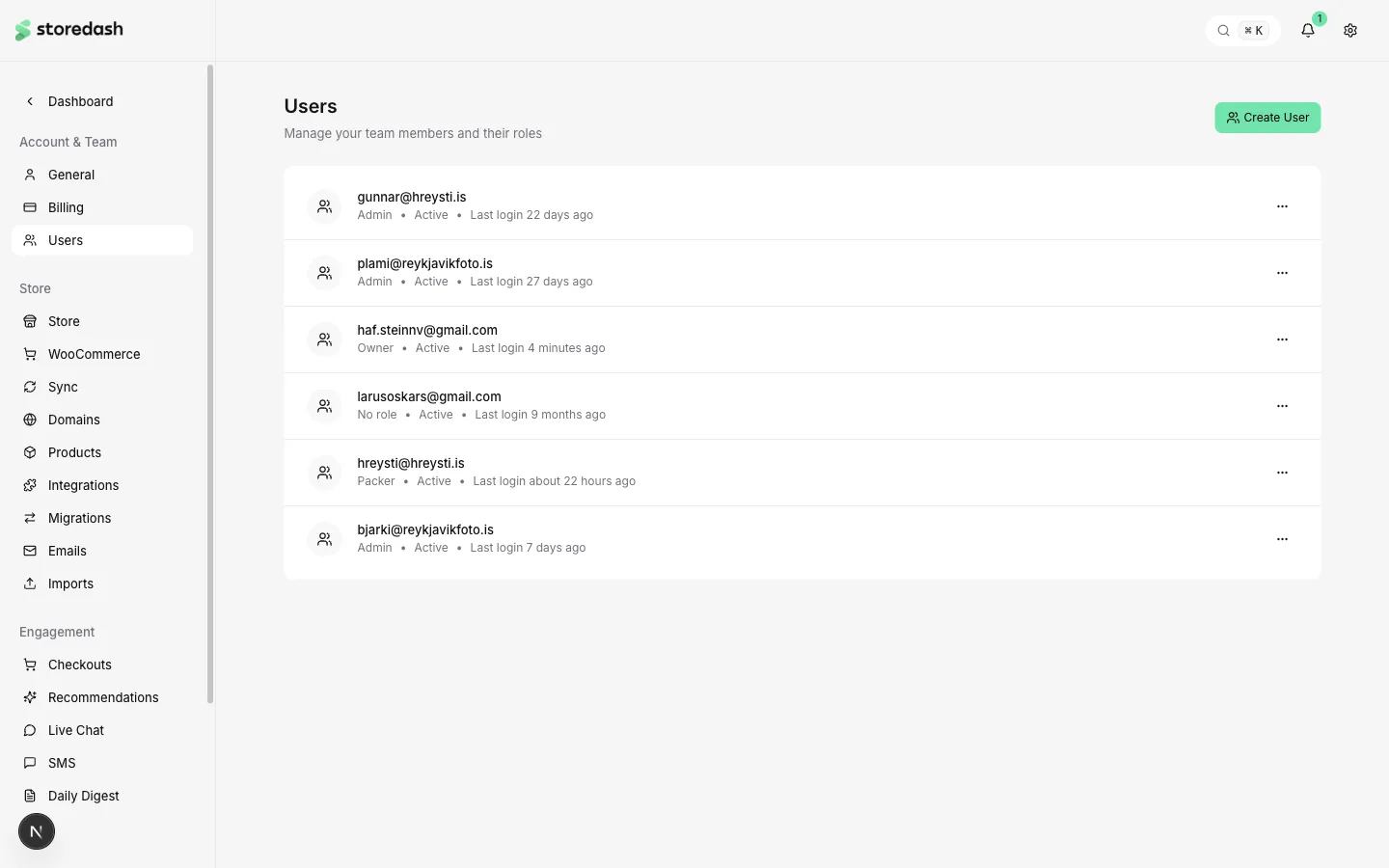
Team Members
Section titled “Team Members”Each team member is shown with their email, role, status, and last login time. Click the menu button on any user row to edit their role, deactivate, or remove them.
- Owner — Full access to all features, billing, and account management. Only one owner per account.
- Admin — Full access to store management, settings, and team features. Cannot manage billing or delete the account.
- Packer — Limited access focused on order fulfillment and shipping workflows.
Inviting Users
Section titled “Inviting Users”Click Create User in the top right to invite a new team member. Enter their email address and assign a role. They will receive an invitation email to set up their account.