

WooCommerce Settings
The WooCommerce settings page displays your store’s WooCommerce configuration, synced directly from your connected store.
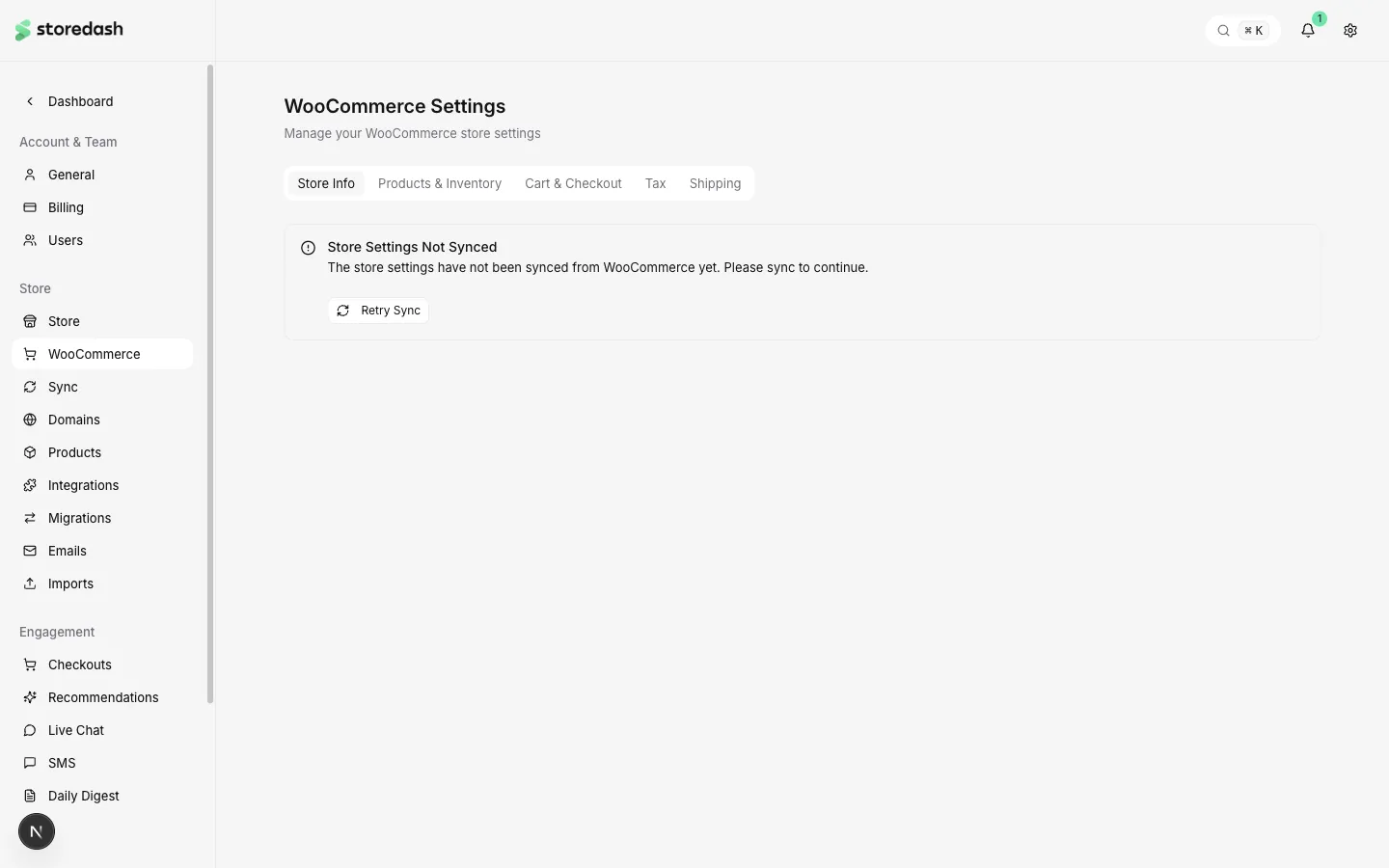
The settings are organized into tabs:
- Store Info — General store information like address, currency, and locale.
- Products & Inventory — Product display and stock management settings.
- Cart & Checkout — Checkout flow configuration, payment gateways, and cart behavior.
- Tax — Tax calculation settings, tax classes, and rates.
- Shipping — Shipping zones, methods, and delivery configuration.
Syncing
Section titled “Syncing”These settings are read from your WooCommerce store. If the settings haven’t been synced yet, you’ll see a prompt to Retry Sync. Changes to WooCommerce settings should be made in your WooCommerce admin panel — they will sync to Storedash automatically on the next sync cycle.